Hi there!
Welcome to my site, my name is Matthew Droney, and this website is dedicated to the work I do for my digital methods communication course.
My Recent Posts:
Create a Podcast with NotebookLM

Find NotebookLm
Your content goes here. Edit or remove this text inline or in the module Content settings. You can also style every aspect of this content in the module Design settings and even apply custom CSS to this text in the module Advanced settings.
Adding Sources to NotebookLM
Your content goes here. Edit or remove this text inline or in the module Content settings. You can also style every aspect of this content in the module Design settings and even apply custom CSS to this text in the module Advanced settings.
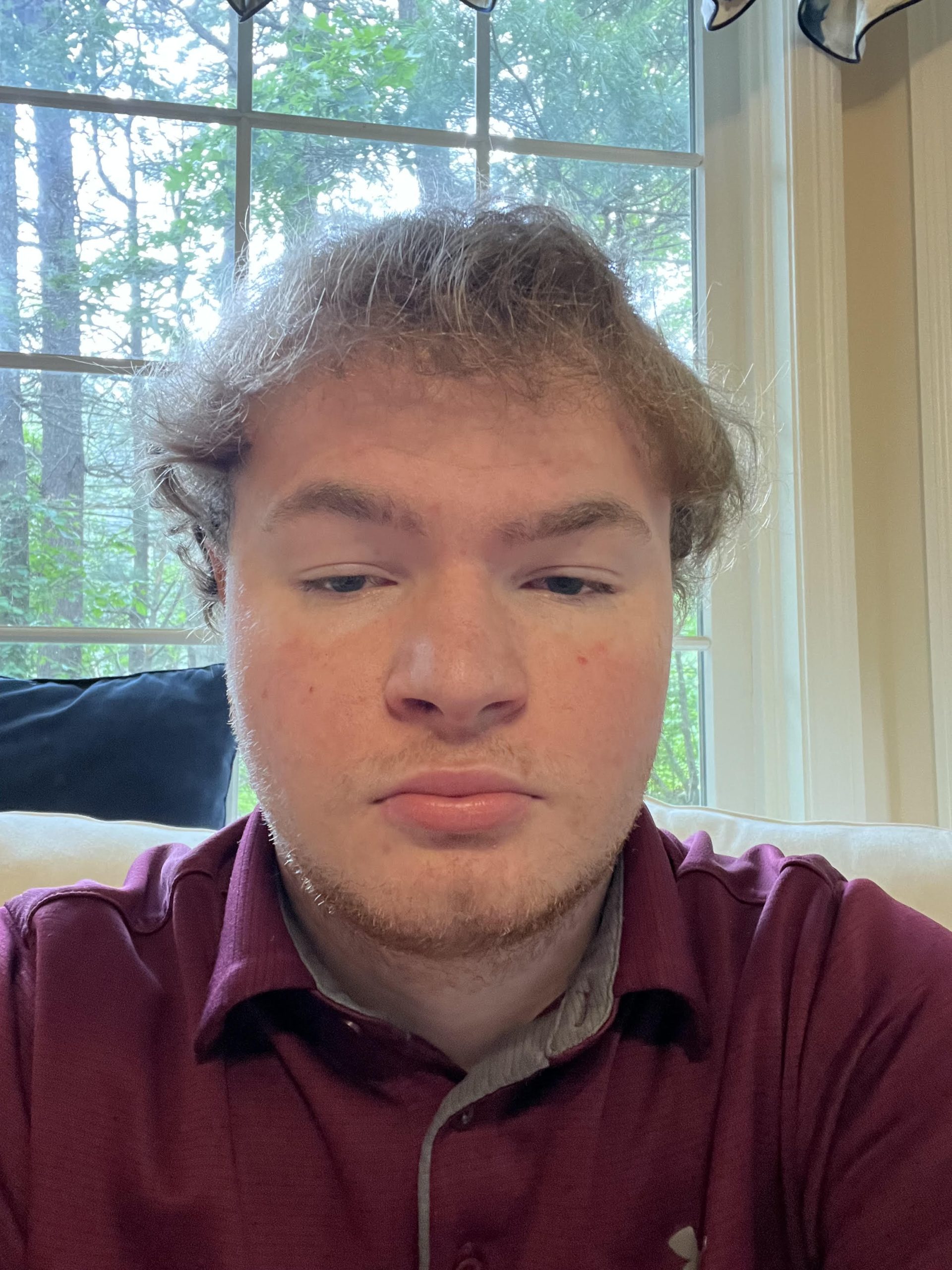
To Learn More About Me
You can go to my About Me page listed above.
To Contact me
You can email me at: mdroney196@g.rwu.edu